An outdated company website can create a misleading impression of a business’s current capabilities. When an established B2B company expands its services, facilities, workforce, and project experience but leaves its website unchanged, potential customers may only see an earlier version of the organisation. Updating the site helps bring its digital presence into line with its actual operations and commercial priorities.
The Business Has Changed. The Website Hasn’t.
Consider an industrial services company that started twenty years ago with a small workshop and a limited range of maintenance services.
Over time, the business expanded.
It invested in equipment, developed specialist teams, moved into larger facilities, and began working on more demanding projects.
Today, the company may support industrial shutdowns, complex installations, or infrastructure projects for major contractors.
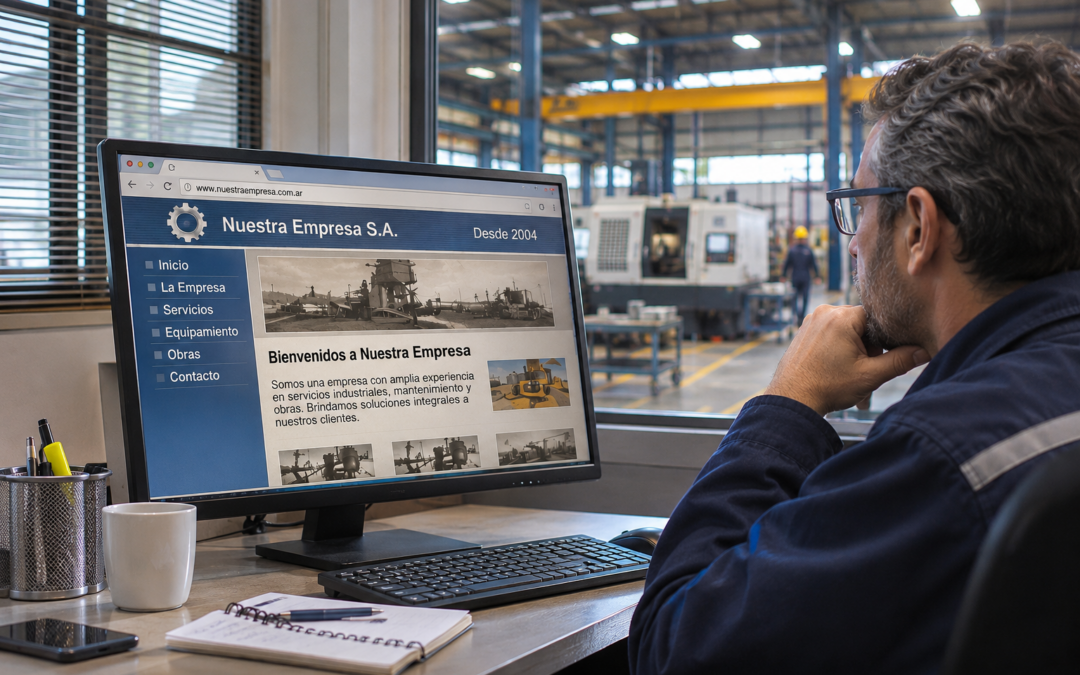
Yet its website still features photographs of the original workshop, a short list of outdated services, and a company introduction written many years ago.
Someone familiar with the organisation knows how far it has progressed.
A new procurement manager does not.
When that person searches for the company online, the information available may suggest a much smaller operation than the one that actually exists.
This is a common challenge for established businesses that prioritise operational growth while leaving digital communication relatively unchanged.
The company moves forward. Its online presence stays behind.
What Makes a Company Website Outdated?
A company website is outdated when its information, functionality, or presentation no longer reflects the organisation’s current position or adequately serves the people using it.
Age alone is not the deciding factor.
A website launched several years ago may still work well if its content is accurate and the underlying technology remains properly maintained.
Equally, a recently redesigned website can already be commercially outdated if it promotes services the company no longer prioritises.
For B2B organisations, there are three useful areas to evaluate.
Commercial accuracy: Does the site reflect current services, operating capabilities, markets, and experience?
Technical performance: Is the website functional, maintainable, secure, accessible, and usable across devices?
Communication and positioning: Can prospective customers understand what the company does today and what kind of work it is equipped to undertake?
These areas may require different solutions.
Not every outdated website needs to be rebuilt.
1. The Website May Be Showing an Earlier Version of the Business
Industrial businesses often evolve through a series of operational decisions.
A new production line is introduced.
Additional equipment arrives.
The company develops a specialist maintenance capability.
It expands into another region.
A major project creates experience in a different sector.
From a commercial perspective, these developments may significantly change what the company can offer.
But the website does not automatically reflect them.
Unless someone takes responsibility for updating its content, the business’s digital profile remains tied to an earlier stage.
An Industrial Example
Imagine a company that originally specialised in equipment repairs.
Today, it also provides on-site maintenance, component fabrication, and mechanical installation.
Its website, however, still presents it primarily as a repair workshop.
A contractor looking for mechanical installation services may never consider the company because that capability is not visible.
There is nothing wrong with the operational offer.
The missing piece is its presentation.
Experience Should Show Progress
A statement such as “20 years of experience” can help establish history.
However, buyers often need more detail to understand what that experience represents.
Has the business developed new technical capabilities?
Does it now operate a larger workshop?
Has it moved into projects requiring additional resources or coordination?
The answers reveal how the company has evolved.
Its history becomes more meaningful when the website connects past experience with present capability.
2. Old Photographs Can Understate Operational Capacity
Images are particularly valuable in industrial and technical sectors.
Photographs can help buyers understand facilities, equipment, work environments, and project scale.
They offer a practical view of capabilities that are sometimes difficult to communicate through generic corporate language.
However, images can also become outdated.
A company may have moved from a modest workshop into a larger industrial facility while continuing to use the same photographs it published years earlier.
Those photographs might be authentic, but they no longer show the organisation’s current scale.
What Should Be Documented?
A useful content review should consider whether the website features:
- Current facilities and operating environments.
- Equipment and resources that represent existing capabilities.
- Relevant production, maintenance, or installation activities.
- Projects that demonstrate the type of work the company undertakes today.
- Technical expertise and specialist teams, where appropriate.
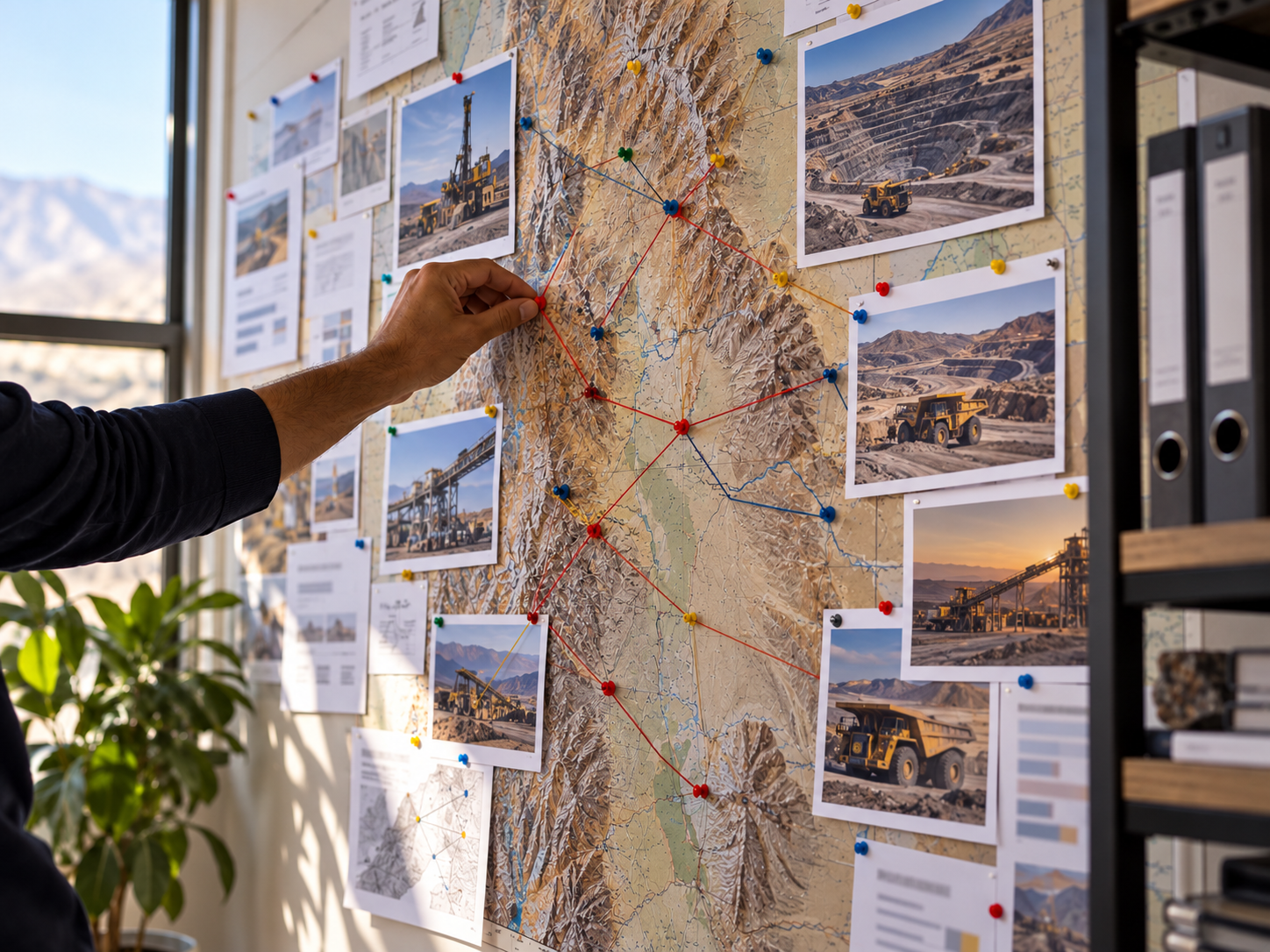
Real operational photography can be more informative than generic stock imagery.
Context is equally important.
A photograph of heavy machinery becomes more useful when accompanied by a clear explanation of its application, the service it supports, or the capability it represents.
This is especially relevant for engineering, mining supply, construction, and other technically complex B2B markets.
3. Yesterday’s Priorities May Still Be Controlling the Navigation
A company’s commercial priorities rarely remain identical over twenty years.
An original service may become a smaller part of the business.
Another capability might develop into its most important growth area.
The website, meanwhile, may still give the original service the greatest prominence.
This creates a mismatch between business strategy and digital presentation.
A prospective customer may be directed towards a service the company no longer wishes to emphasise, while its most relevant capabilities remain difficult to discover.
Start With the Current Business Strategy
Before changing layouts or design elements, it is worth asking:
Which services are commercially important today?
What types of projects is the business pursuing?
Which customers and industries does it serve?
What capabilities distinguish its offer?
What information would help a buyer assess whether the business is suitable?
The answers should influence site navigation, service page priorities, project examples, and calls to action.
A website update can therefore become a useful exercise in clarifying the company’s current commercial positioning.
4. Technical Age and Commercial Age Are Different Problems
Some websites are outdated primarily because their content no longer reflects the company.
Others have genuine technical limitations.
Older content management systems, unsupported components, broken enquiry forms, or layouts that work poorly on mobile devices may create practical problems.
A website might also be difficult for internal teams to update, making every minor change unnecessarily expensive or complicated.
These issues require more than replacing photographs.
Areas to Review
Mobile usability. Can visitors navigate, read the content, and submit an enquiry from a smartphone?
Performance. Do key pages load reliably and provide a stable experience?
Maintenance and security. Is the platform being maintained appropriately, including updates and relevant security measures?
Contact functionality. Do forms, email links, and other contact channels work as intended?
Accessibility. Can people use the website without unnecessary barriers?
Search visibility. Are important pages accessible to search engines, logically structured, and supported by useful metadata and internal links?
A technical review helps distinguish what can be repaired from what may require a broader change.
5. Should You Update the Existing Site or Build a New One?
Businesses sometimes assume that modernising a website automatically means commissioning a complete redesign.
That is not always necessary.
The best approach depends on the site’s current condition and the changes required.
When an Update May Be Enough
The existing platform may remain suitable if it is stable, secure, manageable, and flexible enough to support the company’s needs.
Improvements could include:
- Updating services and company information.
- Reorganising navigation.
- Publishing recent project experience.
- Replacing outdated imagery.
- Improving copy and contact pathways.
- Addressing specific technical issues.
- Strengthening relevant on-page SEO.
In this situation, retaining and improving the current website may be a sensible option.
When a Rebuild May Be Appropriate
A new website can make sense if the current platform is difficult to maintain, important functions are unreliable, or the structure prevents the organisation from presenting its business effectively.
A major change in services, markets, or operating model may also justify a broader redesign.
The decision should follow a proper assessment rather than a preference for a more fashionable visual style.
Commercial requirements establish what the website needs to accomplish. Technical assessment helps determine the best way to deliver it.
If a rebuild involves changing existing URLs, search visibility and redirects should also be considered during planning.
6. Rebuilding the Digital Picture of the Business
An effective website update begins with information gathering.
Marketing should not be expected to reconstruct the entire company’s current capabilities without input from operational teams.
Sales, engineering, operations, and leadership may each hold information that is essential to accurate communication.
What Information Should Be Collected?
Current services: The work the business undertakes, its scope, and any important limitations.
Facilities and resources: Equipment, infrastructure, specialist expertise, and other demonstrable capabilities.
Relevant projects: Work that illustrates present experience, subject to confidentiality and publishing permissions.
Markets and customer types: The sectors the company currently serves or can realistically support.
Commercial objectives: The services and opportunities the business wants to develop.
Contact and company details: Accurate locations, enquiry channels, and institutional information.
This material provides the foundation for deciding which pages to create, which services to prioritise, and how to explain the organisation’s experience.
It also reduces the temptation to rely on vague claims.
7. A Practical Example: A Construction Business That Outgrew Its Website
Imagine a construction company that originally worked on small civil projects.
Over the following decade, it invested in additional equipment, developed earthmoving capabilities, and began supporting industrial developments.
The website still focuses on its early construction activities.
Its project photographs are old, its service descriptions are broad, and its current equipment is barely mentioned.
A buyer assessing potential contractors for an industrial project may form an incomplete impression.
Now consider a revised website.
The service structure reflects the company’s present activities. Project pages explain relevant experience. Real equipment photographs support the capability descriptions.
A clear enquiry process helps visitors provide the basic information required for an initial assessment.
The operational business has not changed as a result of the website project.
What changes is how accurately prospective customers can evaluate it.
This is an illustrative example rather than a claim about a particular company or a guaranteed commercial outcome.
8. How to Plan a Website Update Without Starting From Zero
A useful starting point is to compare what the website currently communicates with what the company actually does.
Step 1: Conduct a Content Inventory
Review every major page.
Identify outdated services, obsolete contact details, inaccurate descriptions, and imagery that no longer represents the operation.
Step 2: Identify Missing Capabilities
Speak with the teams responsible for sales, delivery, and operations.
What has changed since the website was last reviewed?
Which important projects or capabilities have never been documented publicly?
Much of the required material may already exist in internal presentations, project records, and commercial documents.
Step 3: Prioritise Improvements
Fix incorrect information and broken contact channels first.
Then address major usability problems and gaps in the description of core services.
Design improvements and additional content can follow a clear priority plan.
Step 4: Establish Ownership
Decide who is responsible for maintaining service information, updating project examples, and reviewing published material.
The right frequency depends on how quickly the business changes.
The objective is to prevent the same information gap from developing again.
9. How to Evaluate Whether the Update Worked
A website refresh should support a defined purpose.
For some companies, the priority is helping buyers understand a complex service portfolio.
For others, it may be improving mobile usability or making project experience easier to access.
Where analytics and conversion tracking are properly configured, relevant indicators may include:
- Visits to priority service pages.
- Navigation to project and capability information.
- Completed enquiry forms.
- Contact interactions.
- Mobile usability and technical performance.
- Organic search visibility for relevant pages.
These metrics require context.
An increase in website traffic does not automatically mean more qualified opportunities, just as a new design does not guarantee higher sales.
The important question is whether the website now supports the company’s commercial goals more effectively.
A Website Should Keep Pace With the Business Behind It
An established industrial company may have spent twenty years building expertise, resources, and customer relationships.
Its website should help people understand the organisation that those years have created.
Sometimes that requires a complete rebuild.
Sometimes the existing platform only needs better content, a clearer structure, and appropriate technical maintenance.
Either way, an outdated company website is worth reviewing when it no longer represents the business accurately.
The most useful starting question is straightforward:
If a prospective customer discovered your company today, would your website show the business you have become—or the business you used to be?
Frequently Asked Questions
How do I know whether my company website is outdated?
Compare its service information, project examples, photographs, and capabilities with the current business. Also review mobile usability, performance, security, and enquiry functionality.
How often should a B2B website be updated?
There is no universal schedule. Content should be reviewed when relevant business information changes, with regular technical checks and maintenance appropriate to the platform.
Can an outdated website affect a company’s credibility?
It can. Inaccurate or incomplete information may lead prospective customers to misunderstand the company’s current scale, capabilities, or commercial focus.
Does an old website always need to be replaced?
No. A functioning, maintainable website may only require content improvements, structural changes, and targeted technical work.
What should an industrial company update first?
Start with inaccurate service information, contact details, core capability descriptions, relevant project evidence, and significant usability issues.
Will redesigning a website improve Google rankings?
Not automatically. Search performance depends on relevant content, technical accessibility, site structure, and other factors. A visual redesign alone does not guarantee improved rankings.
What should an industrial supplier website include?
Clearly described services, operating capabilities, relevant project experience, industries served, credible supporting information, and appropriate contact options.
Who should be involved in a B2B website update?
Marketing, sales, operations, technical teams, and leadership may all contribute. Their input helps ensure that the website represents the business accurately.